![vCreative_Logo_RGB.png]](https://vcreativeinc.com/hs-fs/hubfs/vCreative_Logo_RGB.png?width=200&height=38&name=vCreative_Logo_RGB.png)
When a winner has completed providing the required documentation in Electronic Signed Documents, they arrive at a screen that lets them know they are finished. You can edit that screen to properly reflect the voice and look of your stations!
The default message looks like this:
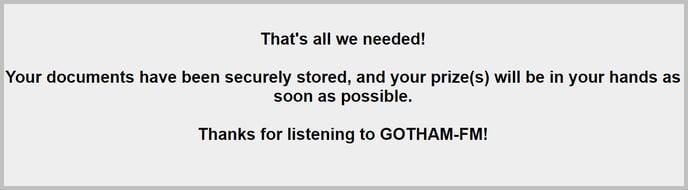
You can do better than that!
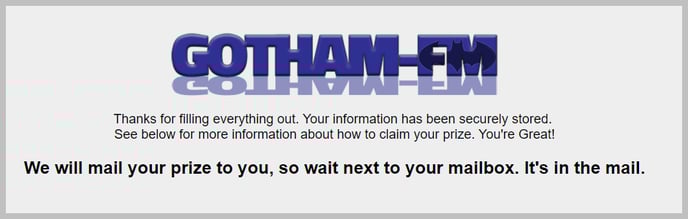
Edit Your Success Page in Settings / vPromo / Signed Documents Success Page
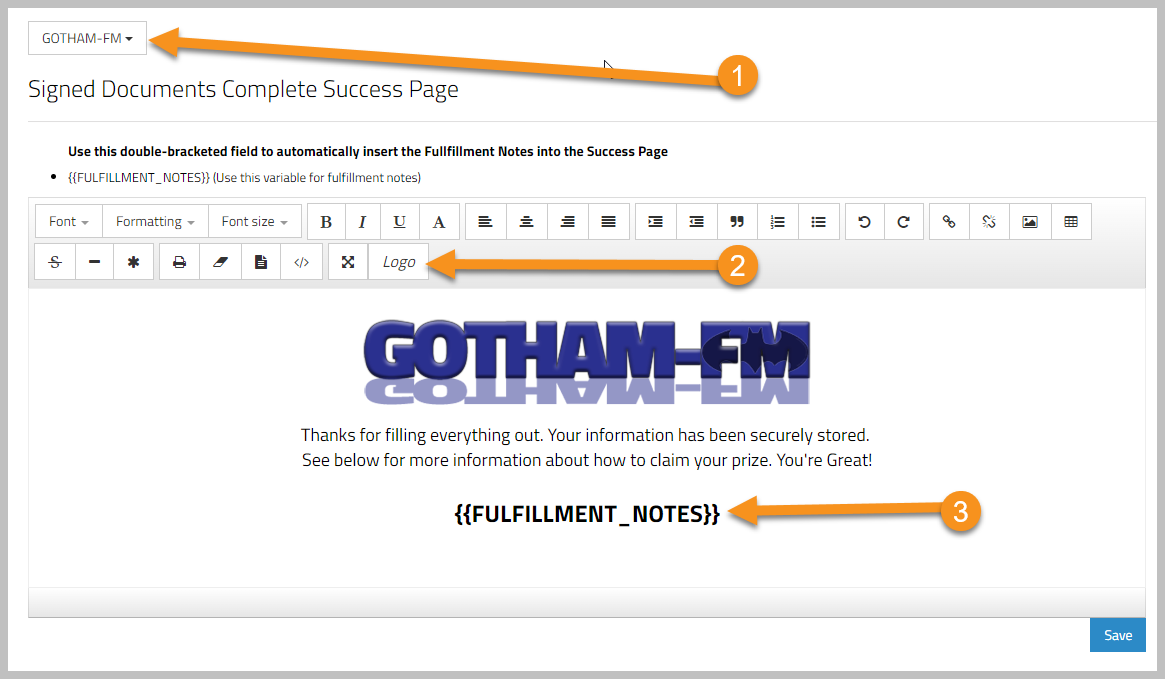
- Choose the Station that you want to customize.
- You can insert the station Logo if you have one uploaded in Settings / Firm / Stations
- You can add Fulfillment Notes from the Prize, just be sure your Fulfillment Notes are written for listeners to read.
That's it!