
How to Generate a QR Code
- Navigate to Front Desk.
- Select Listener Database.
- Click Listeners.
- Search for and locate the winner.
- Click Distribute next to the applicable prize.
- Select Winner Release.
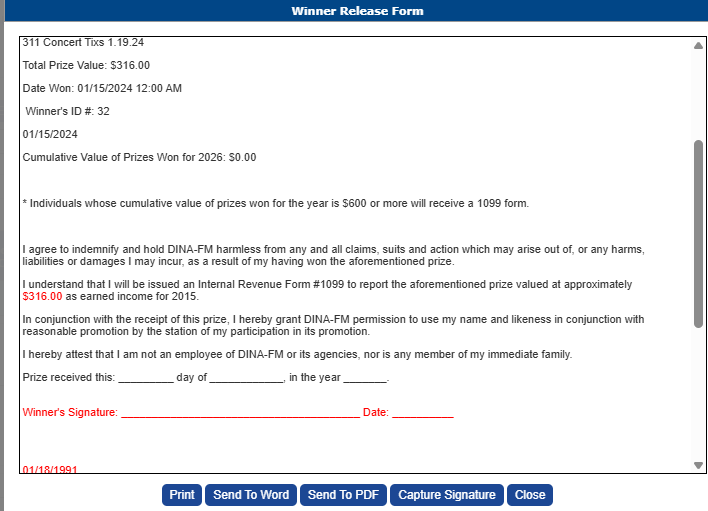
- Click Capture Signature.
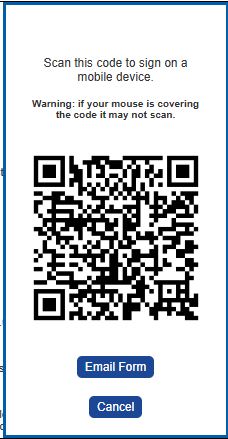
A unique QR code will be generated on your screen.
How the Winner Signs- Have the winner scan the QR code using the camera on their smartphone or tablet.
- The Winner Release Form will automatically open on their device.
- The winner reviews the form and signs electronically.
- Once submitted, the signed Winner Release Form is automatically saved to the winner's record in PromoSuite Next.
Benefits of Using the QR Code
- No email is required.
- Perfect for in-person prize pickups and station events.
- Secure electronic signature collection.
- Signed forms are automatically stored with the winner's record.
- Fast and convenient for both staff and winners.